

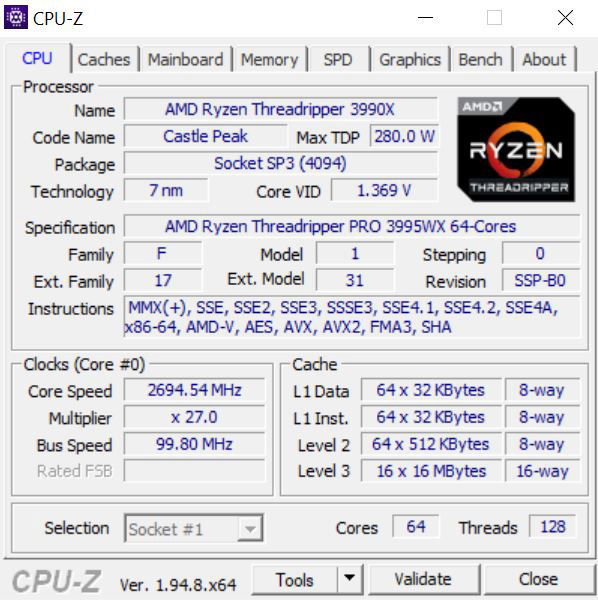
CPU-Z is a freeware that gathers information on some of the main devices of your system :
- Processor name and number, codename, process, package, cache levels.
- Mainboard and chipset.
- Memory type, size, timings, and module specifications (SPD)
- Real time measurement of each core’s internal frequency, memory frequency.
 The installation creates program entries in the start menu and on the desktop. It installs the right binary (x32 or x64) depending on your system.
Installation:
- Run the setup executable file, and let it guide you for the installation process.
Removal:
- You can remove the program either from the Add or Remove Programs window (from Settings, Control Panel), or choose Uninstall CPU-Z from Start menu, Programs, CPUID, CPU-Z.
Leave a Reply
You must be logged in to post a comment.